A POC without a plan is just a “Free Trial” that churns. Here is how to use Revspire to control the outcome and increase win rates by 40%.
On this page
- The POC Trap
- Step 1: Define the Purpose (The “Why”)
- Step 2: Set the Stage (The Mutual Action Plan)
- Step 3: Create the Framework (The Digital POC Room)
- Step 4: Execute & Monitor (The Analytics)
- Final Thoughts
The POC Trap
Does your sales team watch promising opportunities slip away during the Proof of Concept (POC) phase? Many teams treat a POC as a “Hail Mary”—they give the prospect access and hope they like it. Hope is not a strategy.
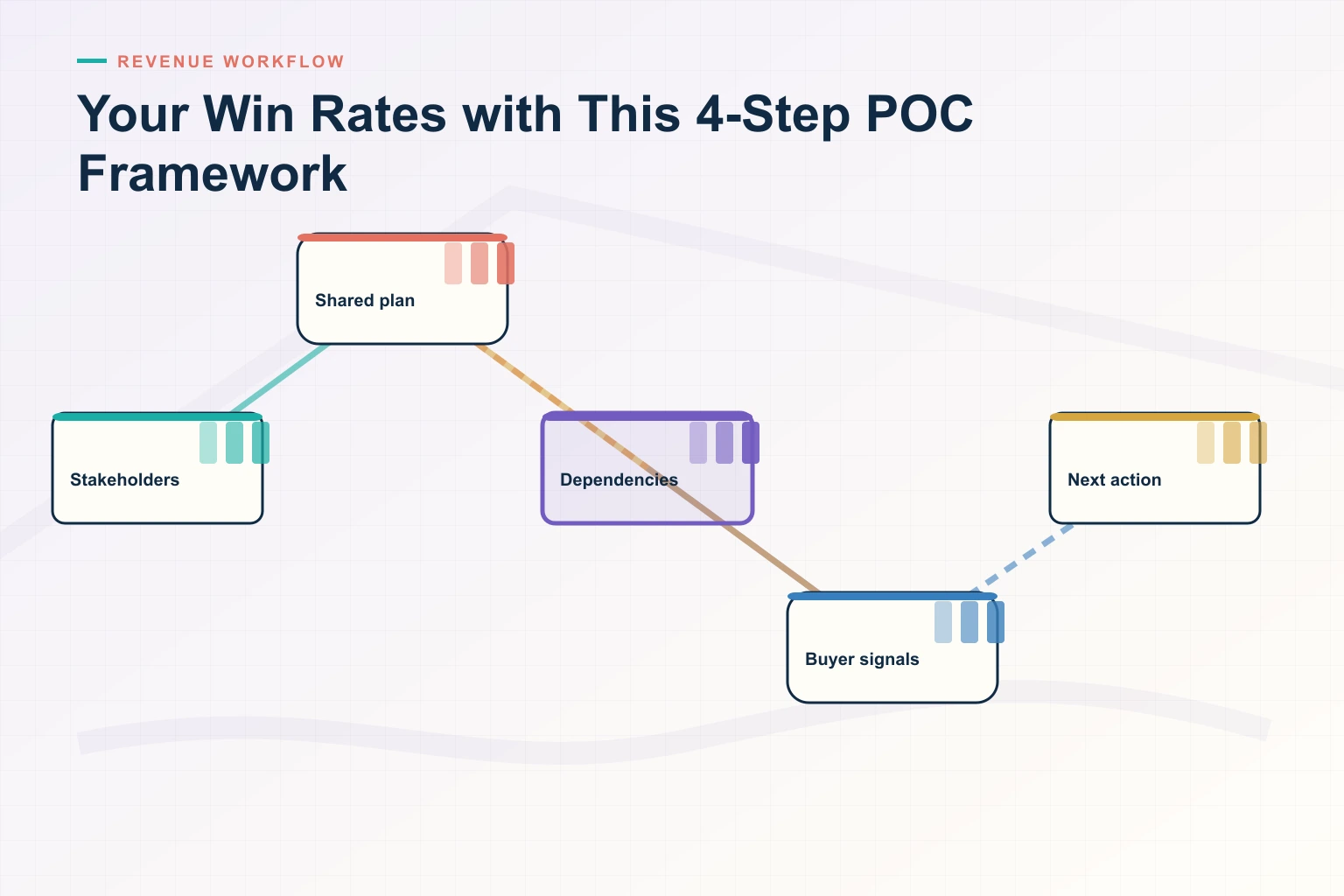
A well-laid-out POC framework can increase win rates by up to 40%. Your prospects need more than product demonstrations. They need a carefully coordinated experience. Here is the proven 4-Step Revspire Framework to turn your POC into a reliable closing tool.
Step 1: Understand the Purpose (It’s Not Just a Demo)
Let’s distinguish between a Demo and a POC.
- Demo: You showing them features.
- POC: Them proving value in their environment.
The Revspire Shift: Your POC should achieve three goals:
- Verify Feasibility: Does it work with their tech stack?
- Demonstrate Tangible Value: Did it solve the specific pain point?
- Test the Partnership: Are they responsive? Do they treat you like a partner?
If a prospect asks for a POC but refuses to define success criteria, do not run the POC. They are just window shopping.
Step 2: Set the Stage with Proper Prep
Proper preparation is the lifeblood of success. Research shows that rushing into a POC is the #1 cause of failure.
The Revspire Strategy: The Mutual Action Plan (MAP) Don’t send a PDF checklist. Build a Revspire Mutual Action Plan.
- Stakeholder ID: Who is signing off on this? Add them to the Room.
- Resource Assessment: Who is the technical lead on their side?
- Success Criteria: “If we achieve X by Date Y, we will sign the contract.” Get this in writing inside the MAP.
By locking this inside the Revspire Room, you ensure that both sides are committed before you invest resources.
Step 3: Create a Winning Framework (The Digital POC Room)
A successful POC framework begins with crystal-clear documentation. Instead of managing the POC via email threads (which get lost), manage it inside a Revspire Digital Deal Room.
Your Revspire POC Room should include:
- The “Welcome” Tab: A video from your AE explaining the goals.
- The “Docs” Tab: API documentation and technical guides.
- The “Success” Tab: The live Mutual Action Plan tracking progress.
- The “Support” Chat: Direct access to your Solutions Engineer.
This creates a “concierge” experience. The prospect doesn’t feel lost; they feel guided.
Step 4: Execute and Monitor (The Analytics)
You’ve laid the groundwork. Now, you must monitor execution. Your prospect needs both immediate help and space to test.
The Revspire Monitoring Strategy:
- Daily Tracking: Use Revspire Analytics to see if they are actually logging in.
- Signal: “Prospect hasn’t viewed the ‘Setup Guide’ in 3 days.”
- Action: Call them immediately. The POC is stalling.
- Feedback Collection: Use the Revspire Chat to answer technical questions in real-time.
The Mid-Point Check-In: Schedule a review halfway through. Open the Mutual Action Plan together on screen. “We have checked off 3 of the 5 success criteria. Are we still on track for a signature on the 30th?”
Final Thoughts
You don’t need to leave your POC success to chance. The data proves it—structured POCs lead to higher win rates and better customer relationships.
By moving your POC out of the inbox and into a Revspire Digital Deal Room, you create transparency, accountability, and ultimately, Revenue.
Stop testing. Start closing. [Link to Revspire Demo]
Platforms like Revspire Deal Room are purpose-built to help revenue teams execute on strategies like the ones covered above.
How Revspire Fits In
Everything discussed in this post is something Revspire was built to solve. See how Revspire helps revenue teams win more deals — all in one agentic revenue enablement platform designed for modern B2B teams.
Book a 20-minute Revspire demo and see it live.
Leave a Reply