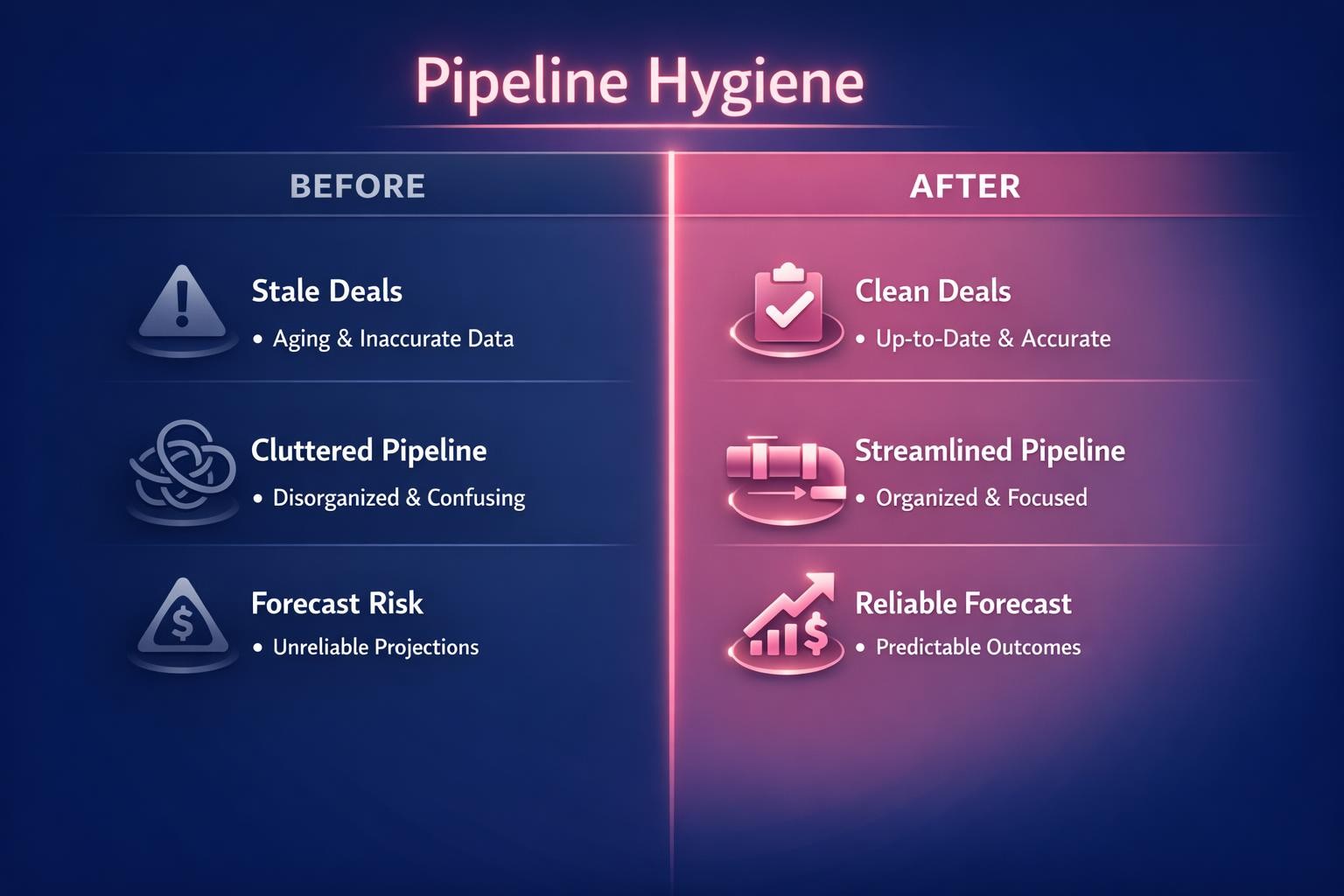
Pipeline hygiene is the routine of keeping every open opportunity in your CRM accurate, current and backed by buyer evidence: a close date tied to a buyer event, a stage that meets its exit criteria, a dated next step, a defensible amount and the right contacts. A clean pipeline is one you can forecast, coach and staff from.
This guide gives you the field-by-field rules, a weekly pipeline hygiene workflow, the signals that mark a deal as at risk, the pipeline health metrics (with formulas) that show whether hygiene is working, and how to enforce the rules with Salesforce and HubSpot settings.
Last updated: 16 October 2026
What is pipeline hygiene?
Pipeline hygiene is a standing process, not a quarter-end clean-up. Each opportunity record should answer five questions without the rep in the room: when will the buyer decide, how far have they really progressed, what happens next and when, what is the deal worth, and who on the buyer side is involved. If any answer is missing, stale or unsupported, the record fails, even when every required field has a value.
Salesforce’s guide What is a sales pipeline? (25 March 2025) gives four steps for cleaning up a pipeline: keep lead records current, remove leads that have not engaged for a long time or no longer fit the target profile, standardise data entry and review the pipeline regularly. The rest of this guide turns those principles into rules you can enforce and measure.
Pipeline hygiene, pipeline health and pipeline management
- Pipeline hygiene is record quality: are the fields true and current?
- Pipeline health is what clean records then tell you: enough coverage, deals moving, conversion holding, little slippage.
- Pipeline management is what you do about it: generate more pipeline, coach stalled deals, move effort to the deals that can close.
Health metrics calculated on unhygienic records mislead, so hygiene comes first.
Why it matters more in 2026
Salesforce’s State of Sales announcement (3 February 2026; a survey of 4,050 sales professionals in 22 countries, fielded August to September 2025) reports that 79% of high-performing sales teams prioritise data hygiene, against 54% of underperformers, and that 74% of sales professionals are focusing on data cleansing. The same release says 51% of sales leaders with AI find disconnected systems slow their AI initiatives. AI forecasting and deal scoring read the same fields your reps keep, so they inherit any hygiene problem.
The cost is not only in sales. Gartner’s data quality overview cites its 2020 research estimate that poor data quality costs organisations at least $12.9 million a year on average.
Pipeline hygiene rules: a field-by-field table
Write rules a rep can check in seconds. Each row names the field, the standard, the red flag that should appear on an exception report, and the usual way to enforce it.
| Field | Hygiene rule | Red flag | Enforce with |
|---|---|---|---|
| Close date | The date the buyer expects to sign, tied to a named buyer event (decision meeting, board approval, procurement deadline). Always in the future for an open deal. | Date in the past; pushed two or more times; a cluster of deals dated the last day of the quarter. | Validation rule or future-only date rule; a push-count field or report. |
| Stage and exit criteria | The deal sits in the furthest stage whose exit criteria are met. Each criterion is a buyer action you can point to (“economic buyer confirmed budget on a call”), not a seller activity (“sent proposal”). | Longer in stage than most won deals; a stage skipped; a stage moved backwards. | Required fields per stage; pipeline rules on skipping and backward moves. |
| Next step | One action, an owner, a date before your next pipeline review, and the buyer involved. “Follow up” is not a next step. | Blank, past due, or internal-only. | Required next step after the first stage; an overdue next-step report. |
| Amount | Built from scoped quantity and your price book or latest quote, not a hoped-for figure. Updated when scope changes. | Round placeholder numbers; an amount with no products; large changes in the final stage. | Products required beyond an early stage; an amount range check. |
| Contacts and buying roles | Every buying role needed at this stage is named on the opportunity (economic buyer, champion, technical evaluator, user lead, procurement or legal), with recent two-way engagement from more than one person. | One contact on a late-stage deal; economic buyer never met. | A contact-role count checked at later stages; an exception report. |
| Forecast category and probability | Consistent with stage: closed won at 100%, closed lost at 0%, no early-stage deal in commit. | Commit deals in early stages. | Validation rules; stage-to-category mapping. |
| Closed-lost reason | A reason from a fixed list, plus one sentence, on every lost deal. | Blank, or “other” on most losses. | Required field when the stage is closed lost. |
| Owner and duplicates | One open opportunity per buying motion, owned by an active rep. | Duplicate deals for one account and product; owner has left. | Duplicate rules; an ownership report. |
Thresholds such as “too long in stage” should come from your own data, not someone else’s benchmark. A practical starting point: flag any open deal that has been in its current stage longer than three quarters of your won deals were (the 75th percentile of time in that stage), calculated per segment. For the data-quality side of forecasting, see our guide to CRM data quality for forecasting.
How to ensure pipeline hygiene across the team
Hygiene holds when every role knows its part and the forecast call will not discuss deals that fail the rules. One leader, usually in revenue operations, owns the definitions; everyone else applies them on a fixed cadence.
| Role | Owns | Cadence |
|---|---|---|
| Revenue operations | Rule definitions, stage exit criteria, validation and pipeline rules, the exception report and the hygiene compliance rate. | Report refreshed daily; rules reviewed quarterly. |
| Account executives | Updating their own records after each buyer interaction; clearing their exceptions before the weekly review. | Daily, plus a weekly clean-up. |
| Front-line managers | Exception-based deal reviews; asking for the buyer evidence behind stage and close date; coaching reps whose deals fail repeatedly. | Weekly. |
| CRO or VP Sales | Forecasting only from deals that pass the rules; putting hygiene compliance on manager scorecards. | Weekly forecast call; monthly business review. |
| Sales enablement | Teaching stage exit criteria and the hygiene workflow to new hires and when rules change. | At onboarding and at each rule change. |
Three habits make the system stick:
- Publish compliance next to the forecast. Show each team’s hygiene compliance rate (open deals passing every rule divided by all open deals) beside its number.
- Keep the rule set small. Reps facing too many blockers type placeholders (“TBD”, a close date years out) that pass validation and fail reality. Block the few impossible values; report on the rest.
- Check big wins and losses against the record. If the CRM told a different story, fix the rule or exit criterion, not just the deal.
Pipeline hygiene workflow: the weekly checklist
A pipeline hygiene workflow runs on a fixed weekly rhythm so that clean data arrives before the forecast call, not during it.
- Monday: exception report. A scheduled CRM report lists every open deal that breaks a rule: past close dates, blank or overdue next steps, deals over the stage-age limit, single-threaded late-stage deals and amounts with no products.
- Monday to Wednesday: reps fix or justify. Each rep clears their exceptions or adds one line explaining why the record is right.
- Wednesday: manager deal review. Managers review exceptions only and ask for the buyer evidence behind each stage and close date. Deals without evidence move back a stage, get a new date or are closed lost.
- Thursday: forecast call. Leaders forecast from deals that pass the rules, and name the ones that do not.
- Friday: log what changed. Pushed close dates, stage regressions and closed-lost decisions are recorded so slippage can be measured.
Weekly pipeline hygiene checklist
- Every open deal has a future close date linked to a buyer event.
- No deal has been pushed more than twice without a manager review.
- Each deal’s stage is supported by its exit criteria, with the evidence noted on the record.
- Every deal has a next step with an owner and a date that has not passed.
- Amounts match current scope, products or the latest quote.
- Late-stage deals have more than one engaged buyer contact, including the economic buyer.
- Deals over the stage-age limit have a recovery action or a decision to close them.
- This week’s closed-lost deals have a reason recorded.
- Duplicate opportunities are merged and orphaned deals reassigned.
- Mutual action plan dates, where you use them, match the close date on the opportunity.
For how to run the review meeting itself, see our pipeline review cadence guide.
How do you identify at-risk deals?
An at-risk deal is an open opportunity whose record or buyer behaviour suggests it will not close on the forecast date or at the forecast amount. Your hygiene rules already surface most of the signals.
| Signal | How to detect it | First response |
|---|---|---|
| Close date pushed twice or more | Close-date change history or a push-count field | Reconfirm the decision process and date with the champion; downgrade the forecast category until confirmed. |
| Longer in stage than most won deals | Days in stage against your 75th percentile for won deals | Ask what buyer action would move it. If none is booked, move it back or out. |
| Buyer has gone quiet | No buyer email reply, meeting or content view within your chosen window (for example 14 days) | Contact a second stakeholder; propose a specific meeting with an agenda. |
| Single-threaded late in the cycle | One contact role, or one engaged person, at proposal stage or later | Ask the champion to introduce the economic buyer and evaluator. |
| Economic buyer never engaged | No meeting or email with the person who signs | Make access to them an exit criterion for the proposal stage. |
| Next step missing or overdue | Blank or past-due next-step date | Book the next buyer meeting before anything else. |
| Mutual action plan slipping | Buyer-owned milestones past due | Review the plan with the buyer; reset its dates and the close date together. |
| Late scope or amount change | Amount history in the final stages | Requalify budget and the approval path. |
| Procurement or legal not started near commit | No security, legal or procurement step logged by the commit stage | Ask how the buyer approves purchases and add each step to the plan. |
Single-threading earns its place on the list. Gong’s analysis of more than 10 million sales conversations and 500,000 sales emails, published on 30 October 2019, found winning deals involved about eight buyer-side contacts by email, against three in losing deals. Our glossary explains multithreading, and our article on AI deal coaching and risk signals covers the signals that AI tools pick up from calls and emails.
If buyers work with you in a digital sales room, its engagement data and mutual action plan dates are extra at-risk signals. Revspire’s Digital Sales Rooms, for example, keep mutual action plans with owners and due dates, map the buying committee and show buyer engagement as it happens, which gives the weekly review evidence beyond what the rep has typed.
Pipeline health metrics: formulas and what they tell you
Once the records are clean, these metrics show whether the pipeline can deliver the number. Calculate each by segment and team, and compare it with your own trailing four quarters rather than an outside benchmark.
| Metric | Formula | What it tells you |
|---|---|---|
| Pipeline coverage | Open pipeline value with a close date in the period ÷ (target for the period − closed won to date) | Whether there is enough pipeline to reach the remaining number. |
| Required coverage | 1 ÷ win rate by value for the segment | The coverage you actually need, given how often you win. |
| Weighted pipeline | Sum of (amount × stage probability) for open deals | A stage-adjusted view of expected value; only as good as stage accuracy. |
| Win rate | Deals won ÷ (deals won + deals lost), for deals closed in the period, by count and by value | Conversion at the end of the funnel. |
| Stage conversion rate | Deals that reached stage N+1 or later ÷ deals that entered stage N, for a cohort entering stage N in the same period | Where deals drop out. |
| Time in stage (stage aging) | Today − date the deal entered its current stage | Stalls, compared with won deals’ time in the same stage. |
| Deal age | Today − opportunity created date | Old deals that inflate coverage, compared with your won deals’ cycle length. |
| Slippage rate | Value forecast for the period at its start that moved to a later period ÷ value forecast for the period at its start | How reliable close dates are. |
| Pushes per deal | Close-date changes to a later date ÷ open deals | A leading indicator of slippage. |
| Hygiene compliance rate | Open deals passing every rule ÷ all open deals | Whether the hygiene process itself is working. |
| Sales velocity | (Open opportunities × average deal size × win rate) ÷ average sales cycle in days | Revenue the pipeline produces per day. |
Worked example (illustrative numbers)
A team has a quarterly target of $2.0M and has closed $0.4M, leaving $1.6M. Open pipeline with a close date this quarter is $4.8M, so coverage is 4.8 ÷ 1.6 = 3.0x. Its win rate by value over the last four quarters is 25%, so required coverage is 1 ÷ 0.25 = 4.0x, or $6.4M. The team is $1.6M of qualified pipeline short. If $1.0M of the $4.8M sits in deals with past-due close dates or no next step, clean coverage is 3.8 ÷ 1.6, about 2.4x, and the real gap is larger than it looked.
Slippage works the same way: if $1.2M was forecast to close at the start of the quarter and $0.3M of it moved to next quarter, the slippage rate is 0.3 ÷ 1.2 = 25%. Our pipeline coverage ratio guide goes deeper on coverage targets.
How to automate pipeline hygiene in Salesforce and HubSpot
Automation should block impossible values, prompt for missing ones and report on stale ones. It cannot judge whether the evidence behind a stage is real, so keep the weekly review.
Salesforce
- Validation rules. A validation rule is a formula that returns true when data is invalid; the user then sees an error and the record is not saved, according to Salesforce Help’s Validation Rules article. Rules also apply to records saved through the API, even if the field is not on the page layout, so test integrations before you switch a rule on. They do not apply to records created with Quick Create.
- Published samples. Salesforce’s sample opportunity validation rules (Summer ’26 documentation) cover close dates, won and lost probabilities, required products beyond Needs Analysis and backward stage moves.
- Path. Salesforce Help’s Guide Users with Path explains how to highlight key fields and add guidance at each stage. Put each stage’s exit criteria there, where reps update the deal.
- Pipeline Inspection. Trailhead’s Pipeline Inspection unit describes Pipeline Changes categories, including Moved In, Moved Out, Decreased and Overdue, plus a waterfall chart of net change. Use them for slippage and for Monday’s exception list.
- Contact roles. Validation rules check field values, so to require a minimum number of contact roles at later stages you first need a count field, for example one maintained by a Flow, that the rule can test.
Salesforce’s published rule for close dates checks only new records and changed close dates, so it does not block unrelated edits to an overdue deal:
AND(
  OR(ISNEW(), ISCHANGED(CloseDate)),
  CloseDate < DATE(YEAR(TODAY()), MONTH(TODAY()), 1)
)
Two rules we suggest adding, adjusted to your stage names (Loss_Reason__c is a custom picklist in this example):
/* Require a next step once a deal leaves the first stage */
AND(
  NOT(IsClosed),
  NOT(ISPICKVAL(StageName, "Prospecting")),
  ISBLANK(NextStep)
)

/* Require a loss reason on closed-lost deals */
AND(
  ISPICKVAL(StageName, "Closed Lost"),
  ISBLANK(TEXT(Loss_Reason__c))
)
HubSpot
- Conditional stage properties. HubSpot’s pipeline setup article (updated 29 September 2026) shows how to require properties when a deal enters a stage, so it cannot be saved without them. Use them for exit-criteria fields, a next-step date and the closed-lost reason.
- Pipeline rules. HubSpot’s pipeline rules article (updated 9 September 2026) lists, for Professional and Enterprise accounts, rules that restrict skipping stages, restrict moving backwards and control who can edit records in a stage, plus deal approvals on Sales Hub Enterprise. Super admins, users who can edit property settings, and workflow or API changes bypass all of them except approvals.
- Property validation rules. HubSpot’s validation rules article (updated 10 September 2026) lists rules on all plans, including future-only dates and minimum and maximum numbers, on custom properties and a short list of default deal properties (including Amount, Next step and Closed Lost Reason, but not close date). They do not apply to workflows, chatflows, meeting pages or legacy-editor forms.
| Hygiene rule | Salesforce | HubSpot |
|---|---|---|
| Close date not in the past | Validation rule (Salesforce sample: not before the current month) | No property validation on the default close date (HubSpot’s list of supported default deal properties omits it); use an exception report on past close dates |
| Evidence fields required at each stage | Validation rule on StageName plus ISBLANK; key fields on Path | Conditional stage properties marked required |
| No stage skipping | Custom validation rule comparing PRIORVALUE(StageName) with the new stage | Pipeline rule: restrict skipping stages |
| No moving back after a gate | Salesforce sample rule for accepted opportunities | Pipeline rule: restrict moving backwards |
| Amount sanity | Amount range rule; products required past an early stage | Number property validation: minimum and maximum |
| Loss reason required | Validation rule on Closed Lost | Required conditional property on the closed lost stage |
| Who can edit late-stage deals | Profiles, permission sets or a validation rule | Pipeline rule: control editing access |
| Slippage tracking | Pipeline Inspection: Pipeline Changes (Moved Out, Overdue) | Reports on close date and stage, or a workflow that counts close-date changes |
What automation cannot do
A rule can force a close date into the future; it cannot make that date true. Validation stops impossible data, reports find stale data, and only the weekly review tests the evidence.
How to roll out pipeline hygiene in 30 days
- Week 1: baseline. Run the exception report and calculate today’s compliance rate and last quarter’s slippage rate.
- Week 2: publish the rules. One page of field rules, stage exit criteria and owners, agreed with front-line managers, then trained.
- Week 3: switch on two or three blocking rules. Close date, next step and loss reason; everything else runs as exception reports.
- Week 4: first exception-only review. Forecast only from compliant deals, and set a 90-day check to drop rules that add work without changing decisions.
Frequently asked questions
What does pipeline hygiene mean in sales?
Pipeline hygiene means keeping every open opportunity accurate and current: a real close date, a stage backed by exit criteria, a dated next step, an amount based on scope and the right buyer contacts. It is an ongoing process, run weekly, so the pipeline can be trusted for forecasting and coaching.
How do you ensure pipeline hygiene across the team?
Give one leader, usually in revenue operations, ownership of the rules, and make each role’s part explicit: reps update after every buyer interaction, managers review exceptions weekly, and the CRO forecasts only from deals that pass. Publish each team’s compliance rate beside its forecast, and keep blocking rules to the few values that are never acceptable.
What is a pipeline hygiene workflow?
A pipeline hygiene workflow is a fixed weekly sequence: an automated exception report, rep fixes, a manager review of exceptions, a forecast call on clean deals and a log of what changed. Running it in that order means data is corrected before the forecast, not argued over during it.
How often should you clean your sales pipeline?
Reps should update records after every buyer interaction, and the exception review should run weekly. Review the rules themselves quarterly, using wins and losses to check whether the record matched what really happened. A one-off quarterly clean-up on its own lets problems build up between reviews.
What are the warning signs of an at-risk deal?
The most useful signals are close dates pushed more than once, more time in stage than most won deals, no recent buyer engagement, a single contact late in the cycle, an economic buyer you have never met, overdue next steps or mutual action plan milestones, and late changes to scope or amount.
What is a good pipeline coverage ratio?
There is no universal number. The coverage you need is roughly one divided by your win rate by value: a team that wins 25% of pipeline value needs about 4x coverage, while one that wins a third needs about 3x. Calculate it per segment, on clean pipeline only.
Your exception report will find single-threaded deals. To fix them, map every buying role on your top opportunities with our free stakeholder map template.
Sources
All pages were accessed on 16 October 2026. Publication or update dates are shown where the page gives one.
- What is a Sales Pipeline? And How Do You Build One?, Salesforce, 25 March 2025. Accessed 16 October 2026.
- State of Sales report announcement, Salesforce, 3 February 2026. Accessed 16 October 2026.
- Data Quality: Why It Matters and How to Achieve It, Gartner, undated (cites 2020 research). Accessed 16 October 2026.
- Building an army of champions: why it’s essential to closing more deals, Gong (Devin Reed), 30 October 2019, updated 6 March 2026. Accessed 16 October 2026.
- Validation Rules, Salesforce Help, undated. Accessed 16 October 2026.
- Sample Opportunity Management Validation Rules, Salesforce Developers, Summer ’26 (API version 67.0). Accessed 16 October 2026.
- Guide Users with Path, Salesforce Help, undated. Accessed 16 October 2026.
- Analyze Pipeline Health Using Metrics and Charts Effectively, Salesforce Trailhead, undated. Accessed 16 October 2026.
- Set up and manage object pipelines, HubSpot Knowledge Base, updated 29 September 2026. Accessed 16 October 2026.
- Set up rules for object pipelines, HubSpot Knowledge Base, updated 9 September 2026. Accessed 16 October 2026.
- Set validation rules for a property, HubSpot Knowledge Base, updated 10 September 2026. Accessed 16 October 2026.
Leave a Reply