The labels overlap because the work overlaps
Revenue activation, revenue enablement, and sales automation are often presented as competing categories. In practice, a single workflow can contain all three. A rep learns a discovery method, receives the right guidance when an opportunity reaches a stage, and has an approved follow-up task created automatically. Calling the entire chain activation or automation hides who owns the skill, decision, and system behavior.
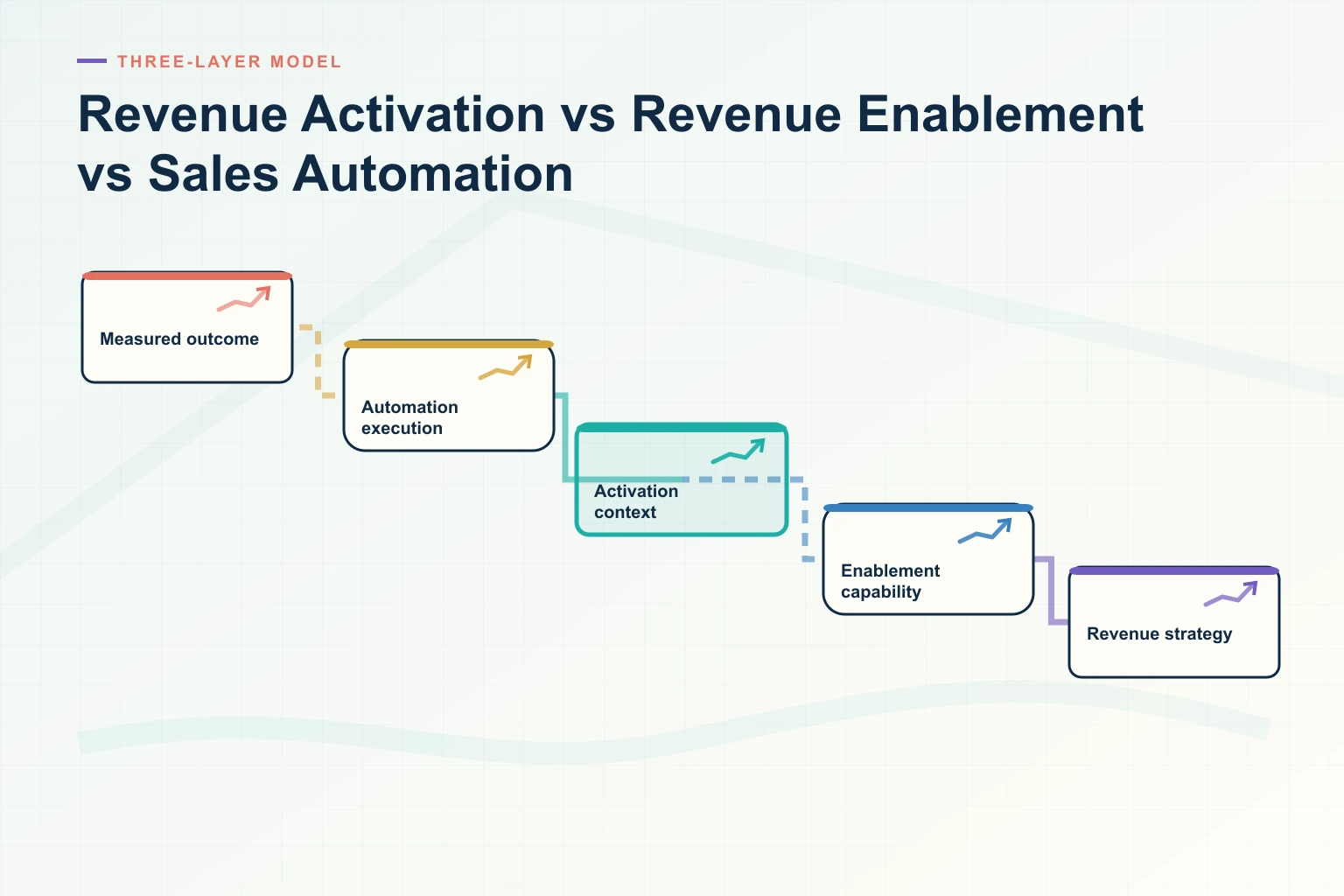
There is no universal industry standard that fixes the boundary of revenue activation. Vendors and practitioners use the term differently. This article therefore uses explicit operational definitions: revenue enablement builds capability and supplies governed resources; revenue activation applies knowledge and signals in the context of a revenue moment; sales automation executes a repeatable task or state transition through technology.
These definitions are tools for architecture and accountability, not a claim that one label is correct. Classify each workflow by its purpose, trigger, output, authority, and evidence. One platform may support several layers, and several platforms may support one workflow.
Define the three layers by the job they perform
Salesforce’s official sales enablement guide describes enablement in terms of content, coaching, training, and technology that help representatives onboard, build skills, and sell. Its sales automation guide defines automation as using technology for tasks that otherwise require human time and gives data capture and triggered workflows as core examples. Those descriptions support two ends of the model. Revenue activation sits between them as the contextual application layer defined here.
| Dimension | Revenue enablement | Revenue activation | Sales automation |
|---|---|---|---|
| Primary purpose | Build durable capability and provide approved knowledge | Turn context, knowledge, and signals into the next useful intervention | Execute a defined task or state change consistently |
| Unit of work | Competency, program, playbook, content object, coaching loop | Revenue moment, recommendation, guided workflow, coordinated action | Trigger, rule, task, sequence, record update, notification |
| Typical trigger | Role need, launch, skill gap, policy change, recurring development plan | Deal event, buyer question, stage, risk, role, or observed context | Field change, event, schedule, threshold, or approved command |
| Output | Prepared person, governed resource, demonstrated skill | Relevant guidance, prioritized next step, assembled workspace, or decision support | Completed action with status, result, exception, and log |
| Human judgment | Defines what good looks like and coaches performance | Interprets context and chooses among recommendations | Sets rules and handles exceptions; may approve consequential actions |
| Primary owner | Revenue or sales enablement with domain partners | Shared by revenue operations, enablement, sales leadership, and product owners | Revenue operations or systems owner with business and control owners |
| Success evidence | Capability demonstrated and applied in work | Useful intervention accepted and connected to better execution | Task completed correctly, reliably, and within policy |
| Core failure | Content completion without behavior change | Generic recommendation detached from the current job | Efficiently executing a wrong, unsafe, or stale rule |
The boundaries are clearest when verbs are precise. Teach, certify, curate, and coach usually indicate enablement. Detect, assemble, recommend, guide, and coordinate often indicate activation. Create, route, update, notify, schedule, synchronize, and send indicate automation. The same feature name can still behave differently, so inspect the actual operation.
Follow one workflow through all three layers
| Revenue moment | Enablement contribution | Activation contribution | Automation contribution |
|---|---|---|---|
| New product launch | Approved messaging, certification, objection practice, manager coaching | Surface the relevant playbook and examples for the rep’s segment and opportunity | Assign training, notify affected teams, and retire superseded templates |
| Discovery preparation | Question framework, persona guidance, and practice | Assemble account context and suggest questions tied to known gaps | Create the preparation task and attach approved resources when criteria match |
| Multi-stakeholder deal | Teach stakeholder mapping and champion support | Highlight missing roles and prepare role-specific material in a shared workspace | Synchronize contacts, owners, tasks, dates, and permitted engagement events |
| Pricing request | Train commercial judgment and approved give/get behavior | Present relevant configuration and policy context | Generate a draft quote and route required approvals through the authoritative workflow |
| Security review | Maintain approved response guidance and escalation practice | Retrieve current evidence for the buyer’s question and identify gaps | Create assigned requests, enforce access, and record approved delivery |
| Post-sale handoff | Teach adoption and success-plan standards | Translate sold outcomes into a role-specific handoff brief | Create the customer plan, transfer owners, and schedule agreed milestones |
This decomposition prevents a common design error: asking automation to compensate for missing enablement. If the team has no approved answer or defined process, a workflow engine can only distribute ambiguity faster. It also prevents enablement from claiming completion when a resource exists but never reaches the rep’s moment of need.
Use an architecture with explicit handoffs
A workable stack has at least four logical layers, even if one product supplies several of them.
- Systems of record: authoritative account, opportunity, customer, product, price, contract, identity, and policy data.
- Governed knowledge and capability: approved content, playbooks, training, evaluations, ownership, versions, and permissions.
- Context and activation: retrieval, signals, recommendations, workspace assembly, and delivery in the channel where the job occurs.
- Execution and automation: APIs, workflow rules, queues, approvals, notifications, writes, retries, and exception handling.
A fifth concern cuts across every layer: observability and governance. Record the source, version, policy decision, triggering event, recommendation, human approval, action, result, and exception. Without that trace, teams cannot distinguish a bad source from a bad recommendation or a failed connector.
Revspire’s Content Hub and playbooks are relevant to the knowledge layer, while a permission-aware surface such as its Slack integration can deliver context within a working channel. A controlled CPQ workflow illustrates why activation and execution should remain distinct: guidance may help a rep choose an option, but configured pricing and approval authority should govern the commercial action.
Choose ownership before choosing software
| Decision | Accountable role | Required contributors | Evidence |
|---|---|---|---|
| Define the competency | Enablement leader | Sales leader, domain owner, frontline managers | Observable behavior and evaluation method |
| Approve knowledge | Domain owner | Enablement, product, finance, security, privacy, or legal as relevant | Source, version, approval scope, and dates |
| Define an activation signal | Revenue operations leader | Enablement, managers, data owner | Event definition, interpretation limit, and desired decision |
| Authorize an automated action | Business process owner | Systems, security, privacy, legal, and affected users | Trigger, permission, test cases, exception, and rollback |
| Release a model or rule change | Product or system owner | Business owner, risk owners, operations | Evaluation result, approval, monitoring, and rollback plan |
| Review impact | Business outcome owner | Analytics, enablement, operations, finance | Adoption, quality, safety, effort, and outcome evidence |
Do not make enablement accountable for connector reliability or make IT accountable for the truth of a product claim. Shared work still needs one final owner for each decision.
Measure each layer on its own terms
A completion rate is not an activation metric, and an automated-task count is not business value. Use a measurement chain that reveals where the workflow broke.
| Layer | Leading evidence | Quality evidence | Outcome connection |
|---|---|---|---|
| Enablement | Eligible participation, practice attempts, content discoverability, manager follow-through | Demonstrated behavior, rubric agreement, knowledge currency, field feedback | Target behavior observed in representative work |
| Activation | Eligible moments, recommendation delivery, acceptance, dismissal, time to action | Relevance, source grounding, permission fit, useful next step, abstention | Intervention contributed to a verified workflow or buyer milestone |
| Automation | Trigger volume, queue age, execution time, retry, exception rate | Correct record, action, timing, permission, idempotency, and notification | Manual effort or delay changed without unacceptable errors or risk |
Track rejected and unavailable actions. If a recommendation appears only when data is complete, a high acceptance rate may hide poor coverage. If an automation quietly skips records with missing fields, a clean success dashboard may hide the accounts that needed help most.
Apply stronger controls as authority increases
Automation ranges from harmless reminders to external communication, pricing, entitlement, and contract actions. AI can also blur recommendation and execution. The NIST AI Risk Management Framework organizes risk work around govern, map, measure, and manage. Apply that discipline to the complete workflow, including the data, knowledge source, model or rule, tool, user, and affected buyer.
| Authority level | Example | Default control |
|---|---|---|
| Read | Retrieve an entitled playbook section | Citation, permission check, freshness, and trace |
| Draft | Prepare a follow-up email or plan | Clear draft status and human review before external use |
| Recommend | Suggest a next step or forecast question | Evidence, uncertainty, alternatives, and dismissal feedback |
| Internal execute | Create a task or update a non-authoritative field | Scoped permission, validation, idempotency, logging, and undo where feasible |
| External or commercial execute | Send, quote, discount, grant access, or accept a term | Explicit authority, policy enforcement, confirmation, and auditable result |
Do not treat a user accepting terms during setup as approval for every future action. Authorization should reflect the actor, record, purpose, data, operation, and current policy at action time.
Decide what you actually need
- Prioritize enablement when people lack a repeatable skill, approved message, accessible resource, or manager coaching loop.
- Prioritize activation when sound knowledge exists but is not reaching the right role or revenue moment with usable context.
- Prioritize automation when a stable, authorized process is understood but manual execution creates avoidable delay or error.
- Redesign the process first when ownership, source truth, decision criteria, permissions, or exceptions are unclear.
A request to automate follow-up may actually reveal weak messaging. A request for more training may reveal that the CRM workflow hides the relevant context. A request for activation may reveal that no one owns content freshness. Diagnose the constraint before selecting the category.
Evaluation checklist
- The team has written operational definitions for enablement, activation, and automation.
- Each workflow names its purpose, trigger, input, output, authority, owner, and evidence.
- Approved knowledge and skills exist before contextual delivery or execution is automated.
- Systems of record remain authoritative for identity, price, contract, and customer commitments.
- Recommendations expose sources, versions, uncertainty, and permission context.
- Read, draft, recommend, approve, and execute are separate capabilities.
- Automated writes have validation, idempotency, retry, exception, and rollback behavior.
- Metrics distinguish availability, adoption, quality, execution reliability, and outcome.
- Users can reject guidance, correct source data, and report harmful behavior.
- Security, privacy, legal, accessibility, and records owners review relevant risks.
- Model, rule, source, and integration changes pass regression tests before release.
- The operating team and support path remain funded after launch.
Make the boundary visible
The difference among the three concepts is not which vendor name appears on a slide. Enablement prepares people and knowledge. Activation applies them to a live context. Automation performs an authorized operation. A well-designed revenue workflow can use all three while preserving the distinct evidence and accountability each requires.
To map Revspire’s content, playbook, in-workflow delivery, and controlled deal workflows against your operating model, request a Revspire demo. Bring one revenue moment and trace it from capability through recommendation to action.
Leave a Reply